

Skip to content

Move your data toNetSuite. Cleanly.

Clean Merge Hub is the AI-assisted way to migrate data into NetSuite. It finds the duplicates, fixes the formatting, and maps every field. You approve each step before a single record moves.

Pipeline
Four stages source to sync
Method
AI-assisted human-approved
Destination
NetSuite purpose-built

Data migrations fail quietly. A duplicate here, a wrong currency there. We make every change visible and reviewable, so the record that lands in NetSuite is the one you meant to send. Most teams find the problems after go-live, when the reports stop adding up. Clean Merge Hub shows them to you first.

Four stages.
Nothing moves without your sign-off.

Upload a file, map it to NetSuite fields, resolve duplicates, then transform and sync. Approve each stage to see the next one.

01.Upload

Drop in your file. Clean Merge Hub reads every column and row and flags what looks wrong.

You approveThe file profile

customers_q1.csvtoNetSuiteSAMPLE DATA
  1. 01 Upload
  2. 02 Mapping
  3. 03 Review duplicates
  4. 04 Transform & sync

Profiled 12,847 rows across 18 columns

Rows
12,847
Non-ISO currency
1,284
Likely duplicates
2 pairs
Nothing moves to the next stage without your sign-off.Approve upload
02.Mapping

Each source field is matched to a NetSuite field, with a confidence score so you know which matches to double-check.

You approveEvery field match

03.Review duplicates

Likely duplicates are grouped and shown to you. Nothing is merged until you say so.

You approveEach merge

04.Transform & sync

Your approved fixes are applied, and clean records sync to NetSuite.

You approveThe final sync

02. Mapping

Mapping — sample migration screen

Review each field match and its confidence score.

What’s inside.

Audit trail

Per-record history.

Know what changed, when, and why. Every mapping, fix, and merge is logged from upload to sync.

  1. Synced to NetSuite
  2. Currency normalized
  3. Merged 2 duplicates
  4. Mapped cust_id → CustomerID
AI assistant

Generated, then approved.

AI writes the fix, and you review it. Schema detection, mapping confidence, duplicate matching, and Python fix-scripts, with nothing running until you’ve read the code.

# Fix non-ISO currency · 1,284 rows
def normalize(v):
    return round(float(clean(v)), 2)
99% success rate
Analytics

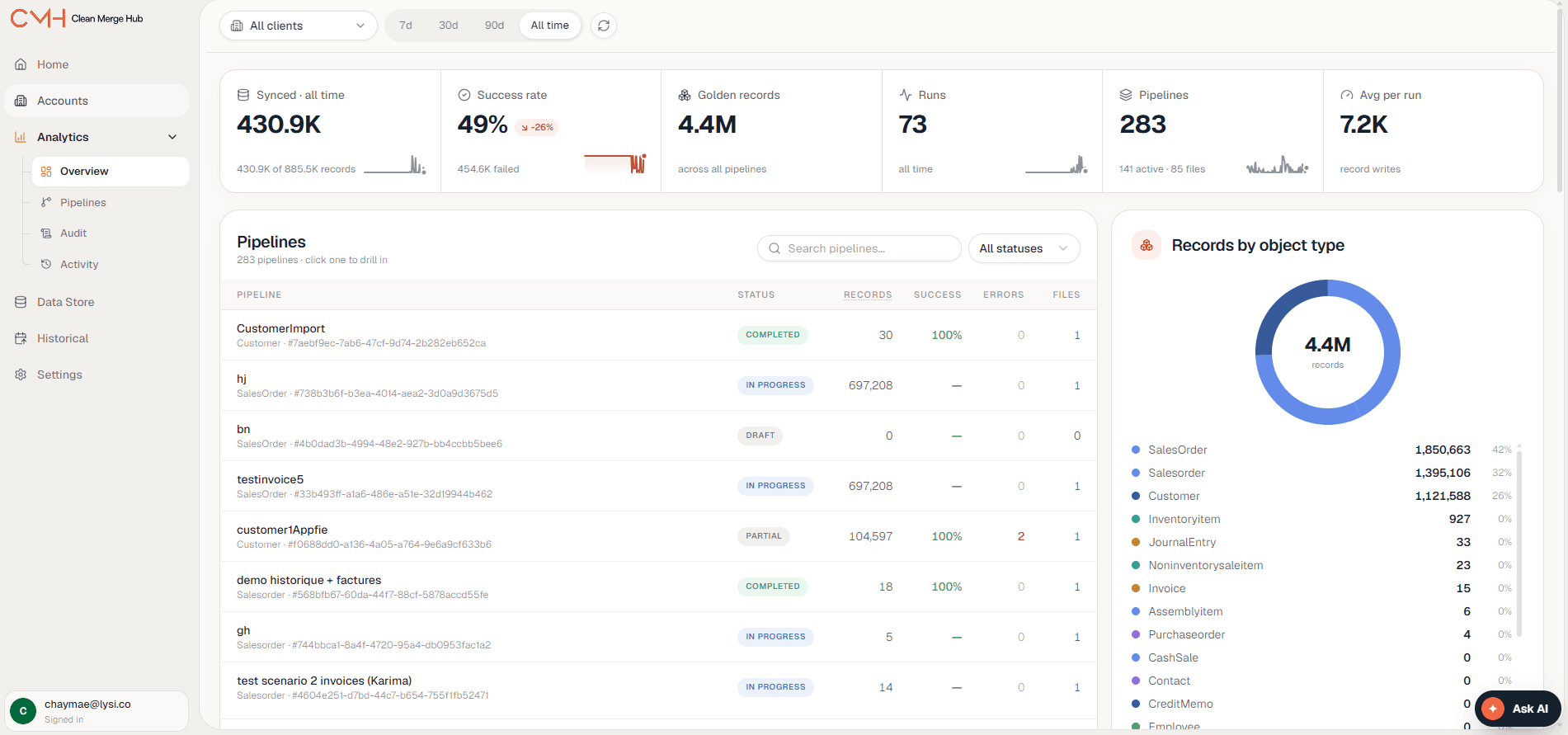
Live pipeline stats.

Watch every migration as it runs, with progress and success rate in one view.

24Pipelines
Sources

Connect what you’ve got.

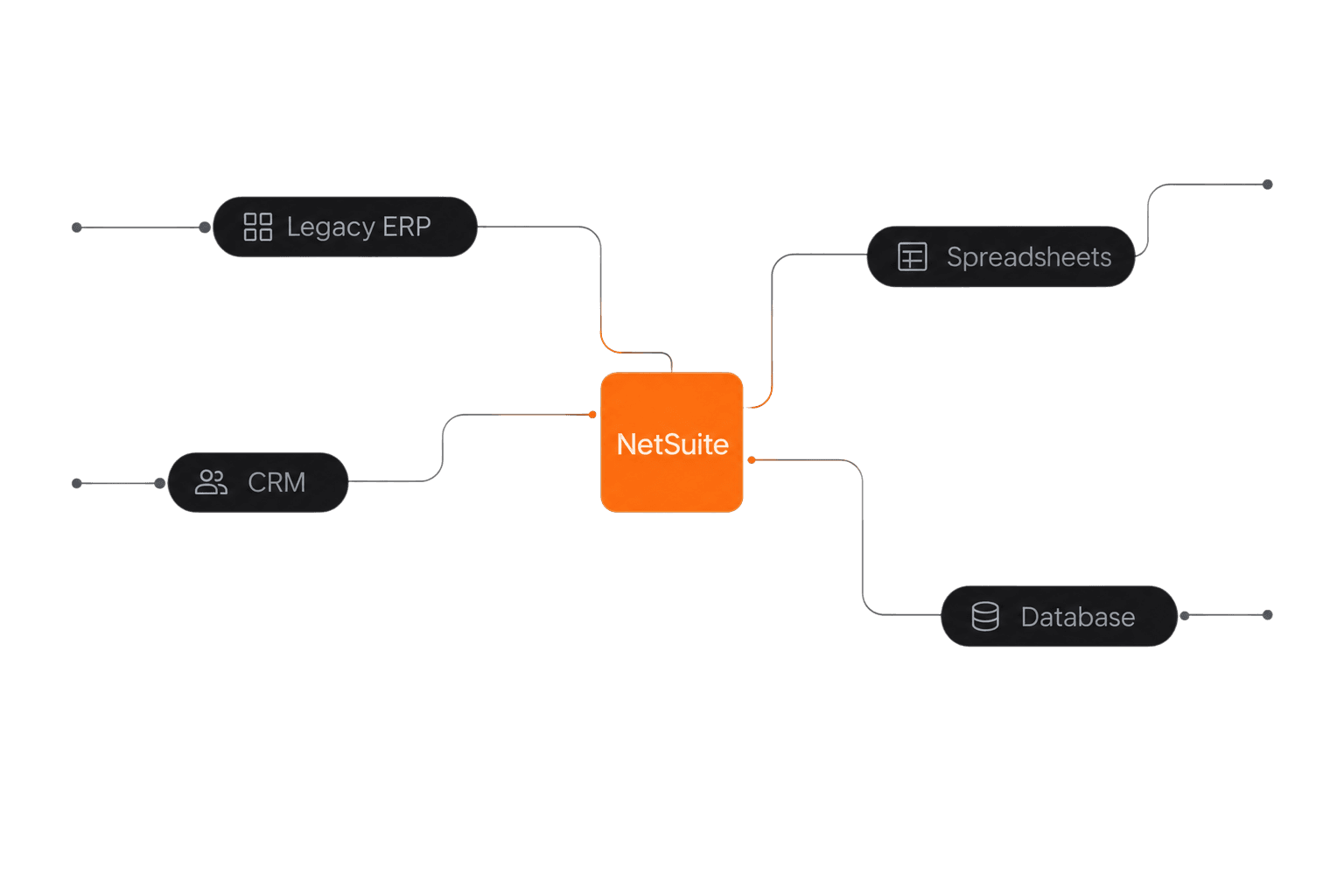
Start from files, APIs, or databases. Everything lands in one place: NetSuite.

  • CSV
  • REST API
  • Postgres
  • MySQL
  • Stripe
  • Salesforce
  • NetSuite

Built for teams
moving to NetSuite.

Moving to NetSuite from another system.

Bring over your customers, vendors, items, and history without bringing the mess with you.

NetSuite admins.

Review every mapping and merge before it lands, with a record of each change.

Finance and operations leaders.

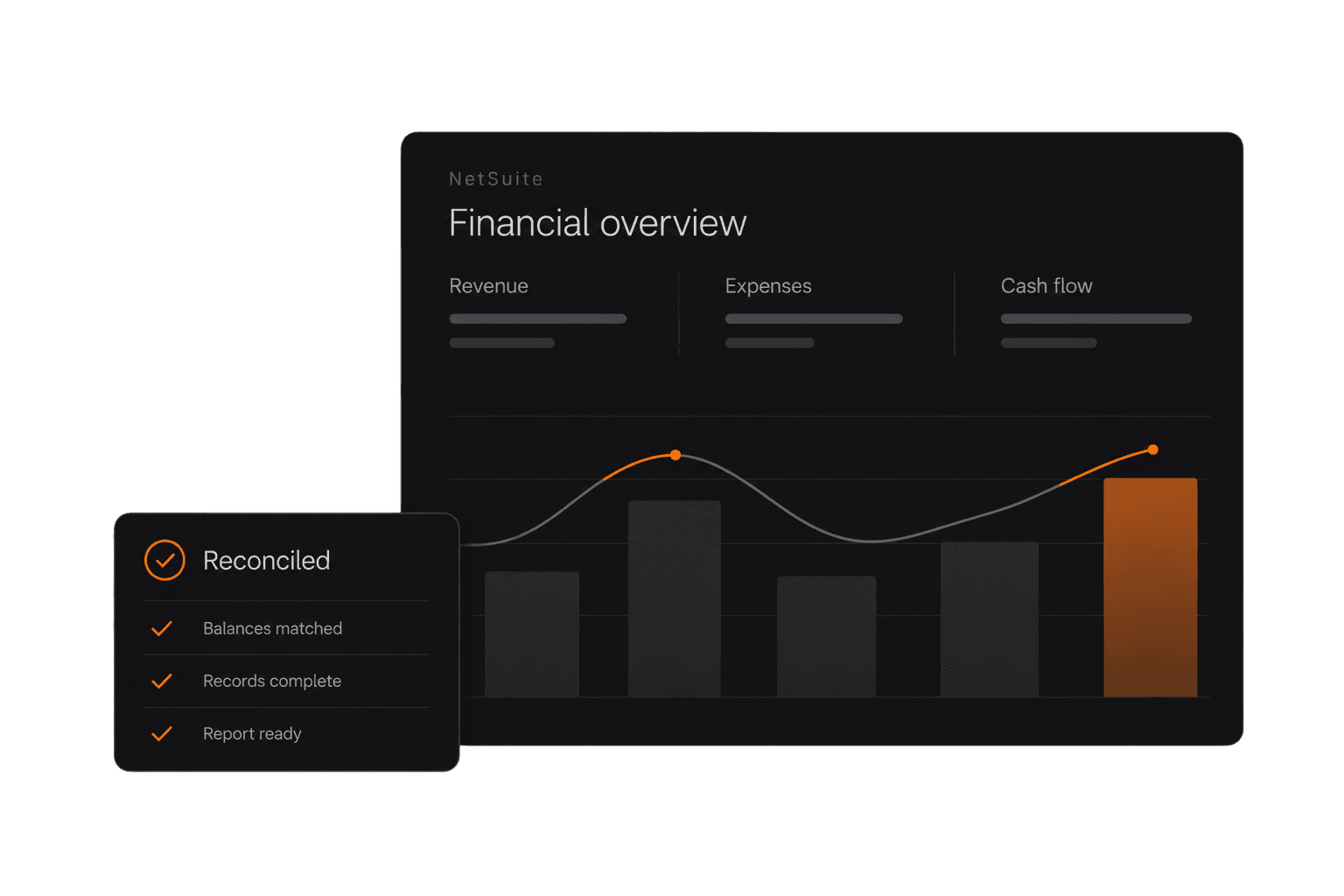
Start on NetSuite with data your reports can trust.

Teams consolidating after growth or an acquisition.

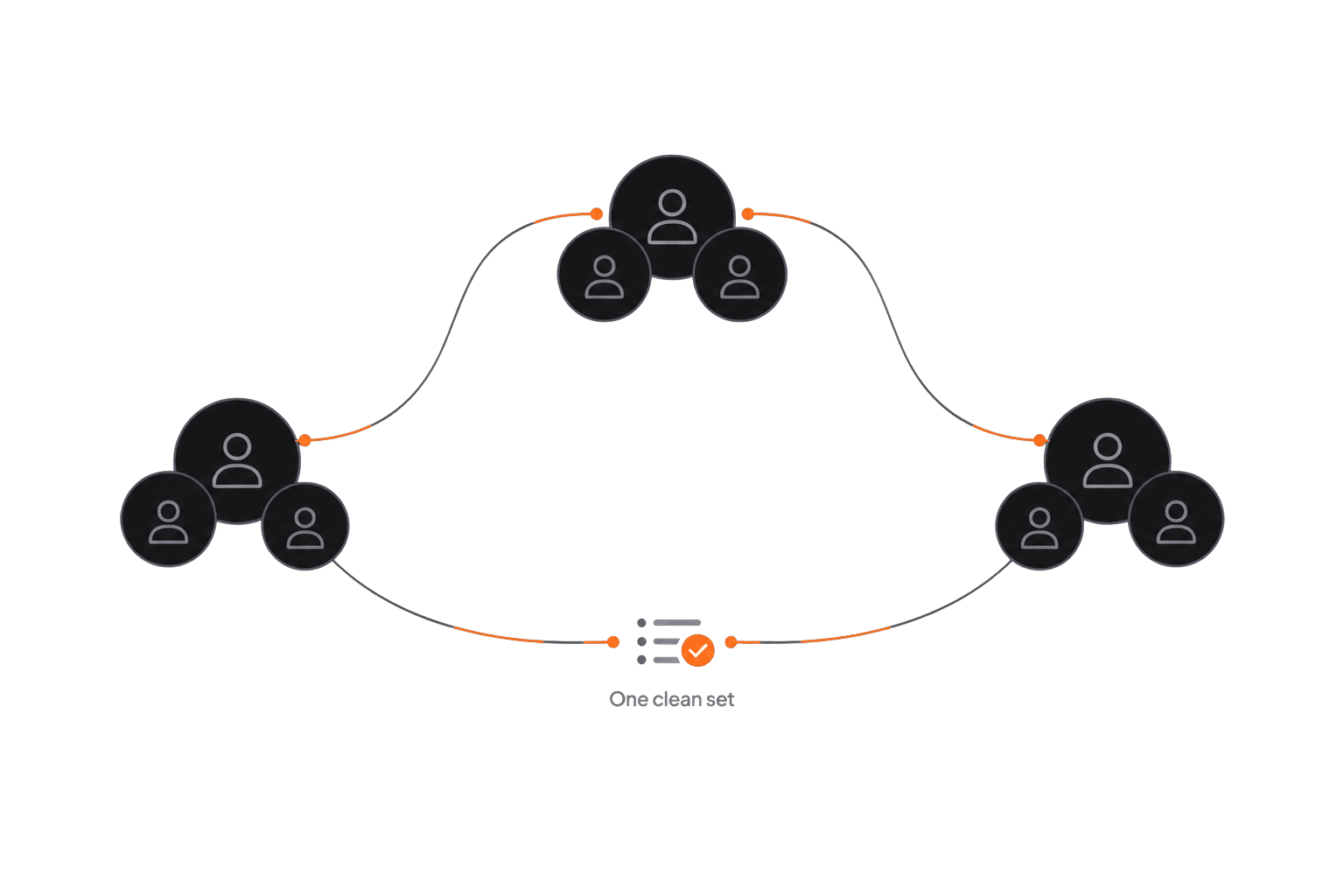
Merge records from several sources into one clean set.

Migrations in hours.
Not weeks.

Avg. migration
1.7 Hrs
Records per second
1,158 Records/Sec
Success rate
53.5%